Organize fields in workflow forms
frontend
26.01.09
enhancement
Workflow forms now support organizing fields into logical steps.
When creating or editing workflow actions, you can:
- Create named steps to group related fields together
- Add descriptions to provide context for each step
- Organize fields by dragging them into the appropriate step
- Reorder steps to control the flow of information collection
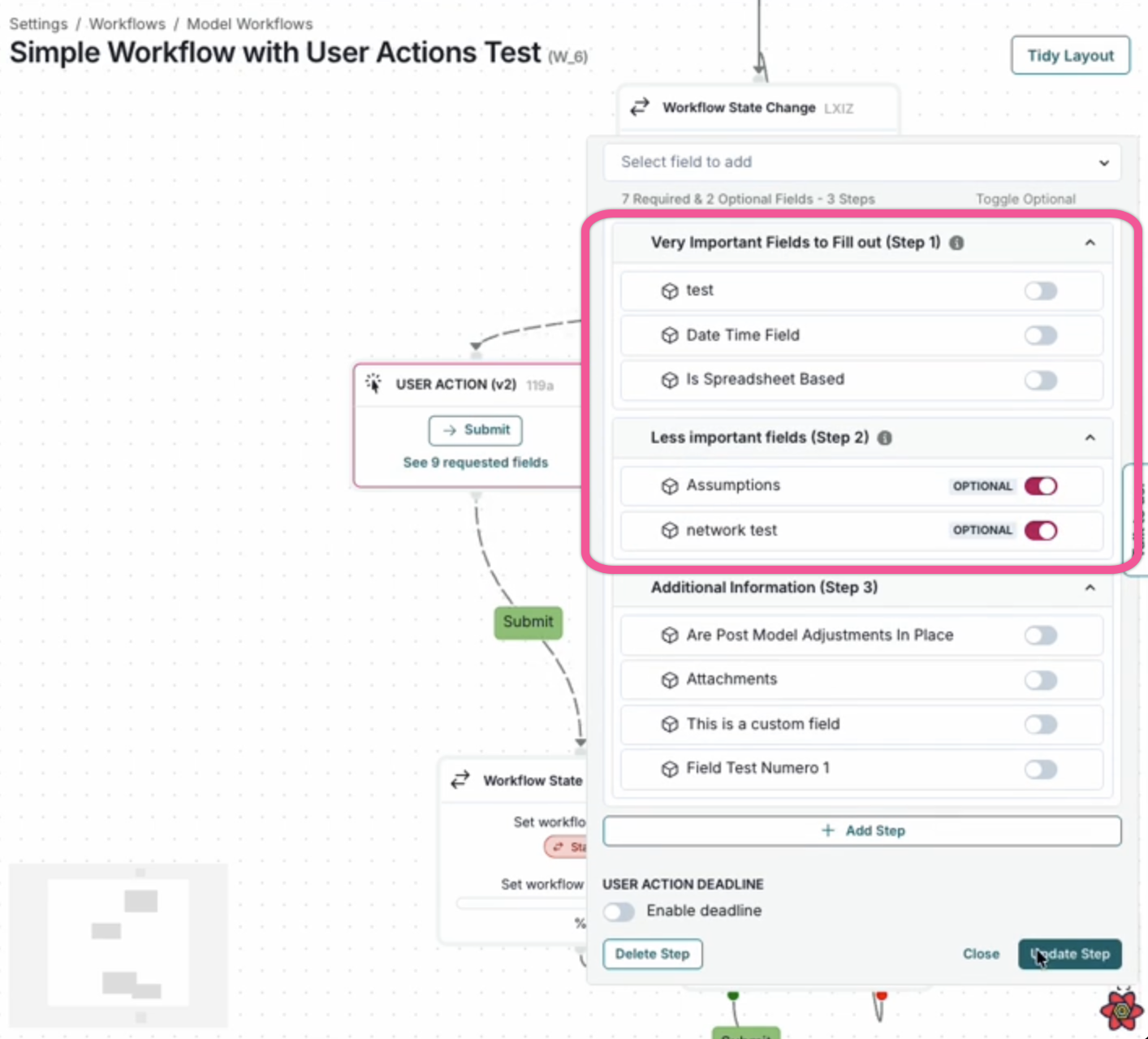
When executing workflow actions with steps configured, users will see a multi-step form with navigation controls, making it easier to complete longer forms. Fields not assigned to a specific step will appear in an “Additional Information” section at the end.